Next-Gen AI
Video Editing Course in Chennai + Motion Graphics
An Editing Career — From Day 1.
Train inside Vinci Studio — MaxEdge's internal creative agency — where every session ends with real work reviewed to a professional standard. Our video editing course in Chennai doesn't give you homework or practice files. You get actual studio output.
Powered by Vinci Studio · A MaxEdge Brand
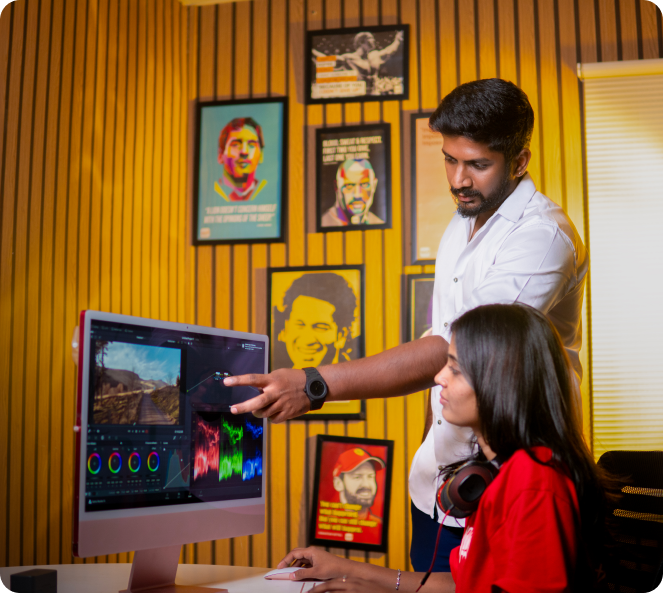
The Studio Difference
You Won't Just Learn in a Classroom.
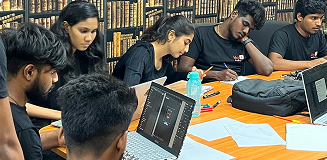
From Day 1, every student trains inside Vinci Studio — MaxEdge's internal creative agency. Not as an observer. As a Junior Apprentice. The environment you learn in is the same environment professionals work in. Exactly what you should expect from a serious video editing course in Chennai. Studio-style briefs. Creative Lead reviews. Real brand constraints. Revision cycles — not just grades.
"Strong execution. SPARK criteria met. Ready for showreel."
Briefs arrive with actual brand context — not generic practice tasks
Edits are reviewed by Creative Leads using SPARK — approved or sent for revision
Motion graphics work is tied to real campaign needs, not made-up exercises
Your portfolio builds progressively from Week 2 — no last-week panic
Most courses teach you software.
Vinci Studio teaches you how to work.
"Your showreel won't look like a student made it. Because a professional environment made it."
Placed Students
Our students have been placed in reputed companies in various Video Editing roles.

Murugavel M
Video Editing

Sriram
Editor

Naveen Kumar
Video Editor

Shrikant
Video Editor

Thiruneelakander
Ast. Editor

Kalanidhi
Editor


Kannan
Ast. Editor

Mehan Kumar
Video Editing Auditor

Suthan
Assistant Director

Roshan Vikram
Editor


Surya
Chief Editor

Anthony Sathish
Video Editor

Kathiresan R
Video Editor
Professional Video Editing Tools YOU’LL MASTER
Work with the same professional tools used by studios worldwide from Illustrator and Photoshop to After Effects and Premiere Pro.
-
Adobe Photoshop
-
Adobe Illustrator
-
Adobe After Effects
-
Adobe Premiere Pro
-
FCP
-
Davinci
-
Adobe Firefly
-
Canva
-

ChatGPT
-
Veed
-

Elevenlabs
-
Adobe Express
-
VIDS
Industry-Standard Video Editing Curriculum
Master the complete professional video editing workflow with hands-on training in industry-leading tools like
Adobe Premiere Pro, After Effects, Photoshop, and DaVinci Resolve.
From story planning and shot composition to cinematic editing, motion graphics, and color grading,
this curriculum is designed to transform beginners into job-ready video editors and freelance
professionals.
What You'll Learn
- Understanding the art and psychology of video editing
- Pre-production planning for video projects
- Types of cameras and their applications
- Camera shots, framing, and composition
- Exploring camera angles and movements
- Shot division and storytelling flow
- Linear vs Non-Linear Editing workflows
- Stages of the editing process
- Understanding screenplay structure for editors
- Creating your first assembly edit
- Video packaging and storytelling techniques
- Speed ramping and time remapping basics
- Introduction to color correction
- Proxy workflow for smooth editing
- Understanding frame rates and creative uses
What You'll Learn
- Introduction to Photoshop for video creators
- Understanding the interface and essential tools
- Creating thumbnails and visual assets
- Basic image manipulation techniques
- Working with filters and adjustments
- Designing overlays, lower thirds, and graphics
- Color correction techniques for images
- Preparing graphics for video editing
What You'll Learn
- Premiere Pro interface and workflow
- Project setup and media organization
- Using workspaces, bins, and timelines
- Creating assembly edits and rough cuts
- Advanced timeline editing techniques
- Working with nested sequences
- Dynamic linking with After Effects
- Speed ramping and time remapping
- Effect controls and keyframe animation
- Audio synchronization and ducking
- Professional color correction
- Exporting videos for YouTube, Instagram, and clients
What You'll Learn
- Understanding Vector vs. Raster Graphics
- Illustrator Interface & Navigation
- Creating Scalable Icons & Symbols
- Corporate Branding & Mockups
- Vector Object Editing & Flat Character Design
- Designing Infographics & Charts
- Exporting for Print, Web & Animation
What You'll Learn
- Software interface and editing workflow
- Importing and organizing media
- Transcoding and media consolidation
- Project and sequence creation
- Creating rough cuts and final edits
- Multi-camera editing techniques
- Applying video and audio effects
- Professional color correction workflow
- Creating titles and motion effects
- Exporting videos for multiple platforms
What You'll Learn
- Introduction to motion graphics and visual effects
- Understanding compositions and timelines
- Motion tracking (position, scale, rotation)
- Using Graph Editor for smooth animations
- Masking and chroma key techniques
- Object and wire removal
- Applying effects and presets
- Working with 3D camera and layers
- Vector animation techniques
- Using expressions for automation
- Dynamic linking with Premiere Pro
- Rendering and exporting final projects
STUDENT WORK SPEAKS
Portfolio Projects from Our Video Editing Course in Chennai
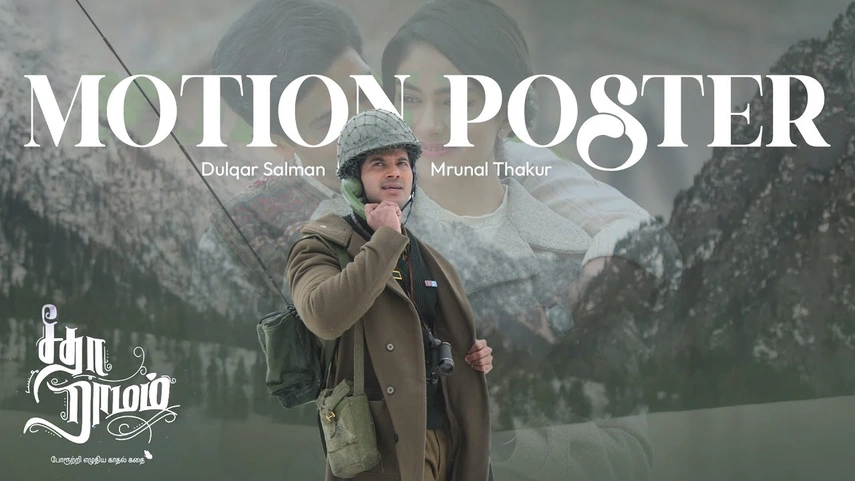

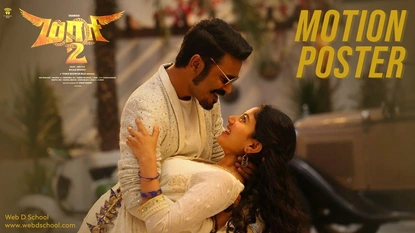
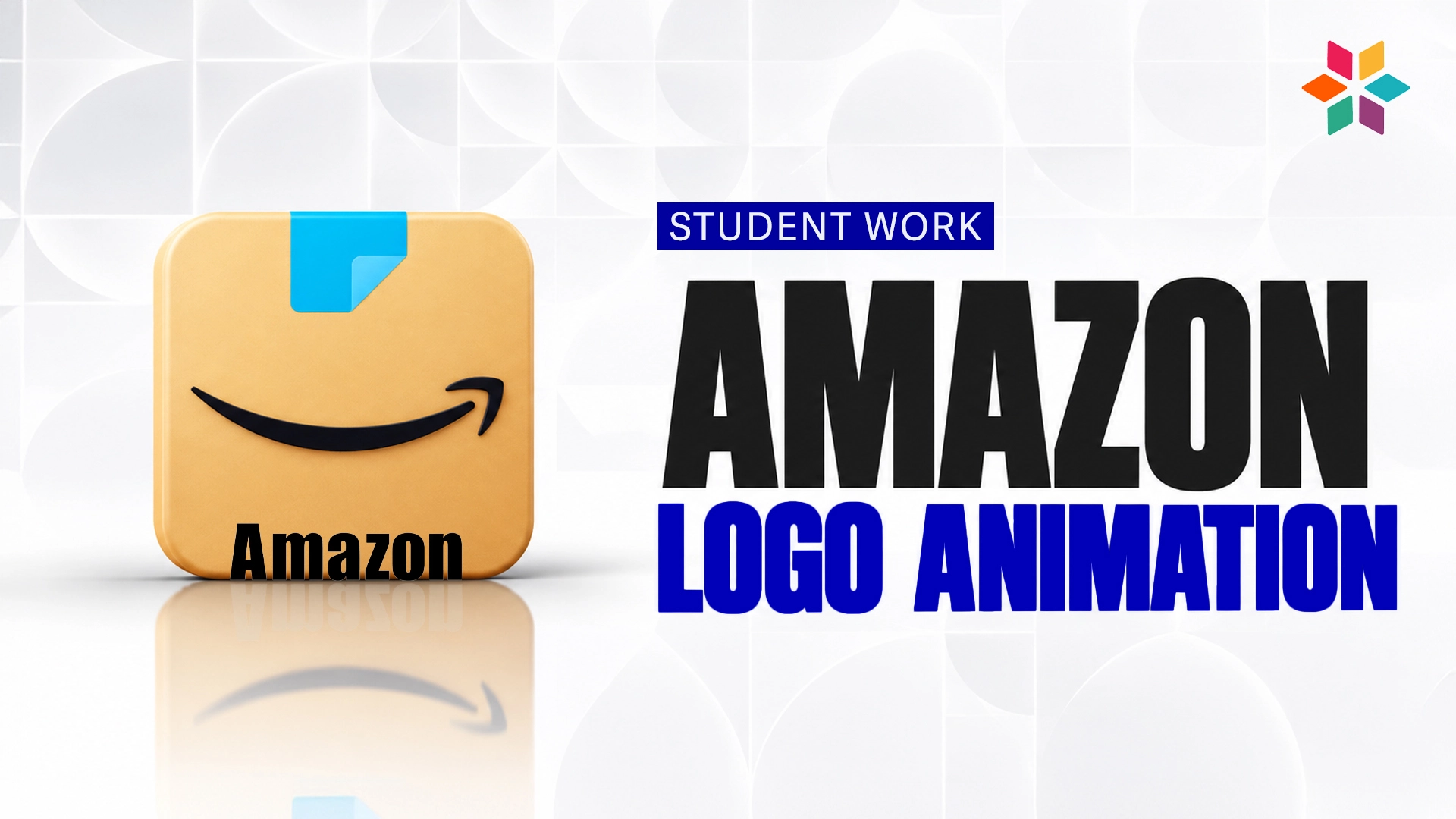
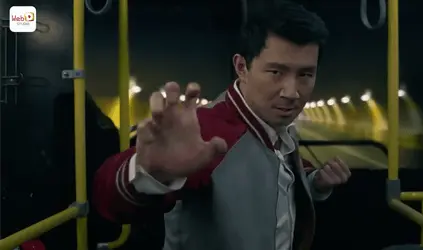
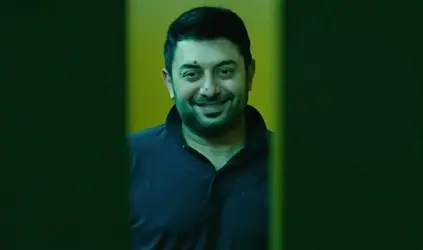
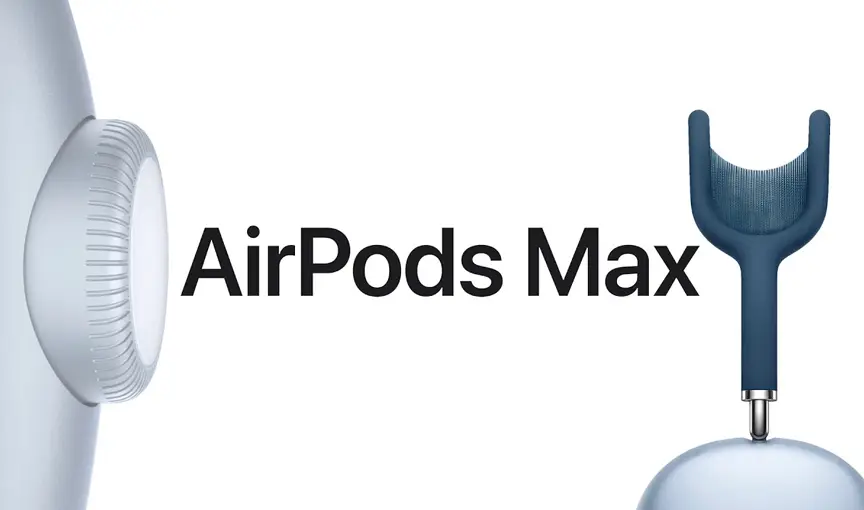
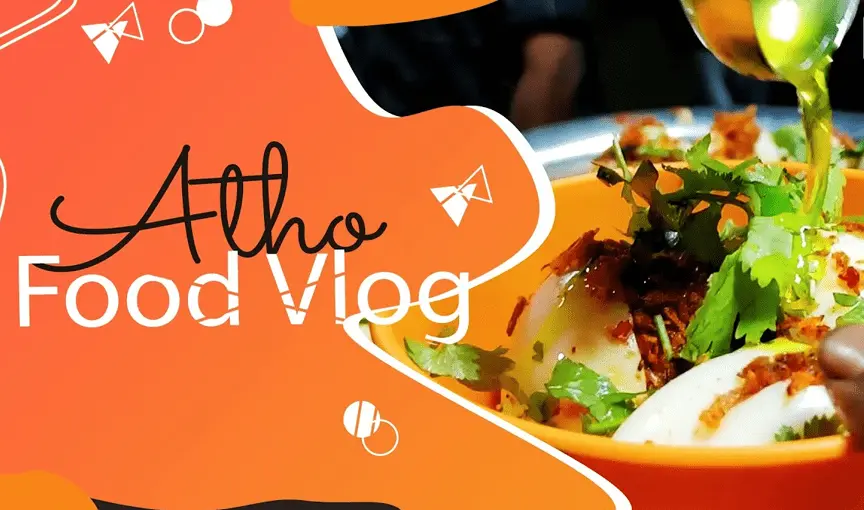
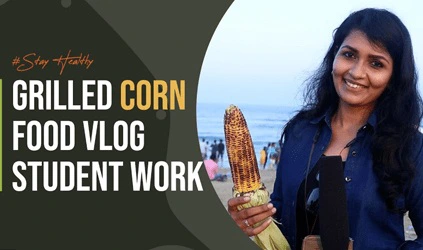
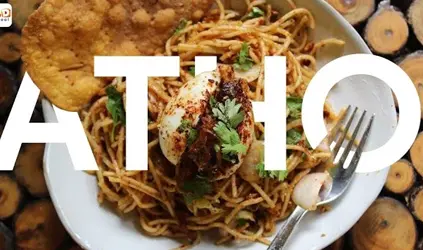
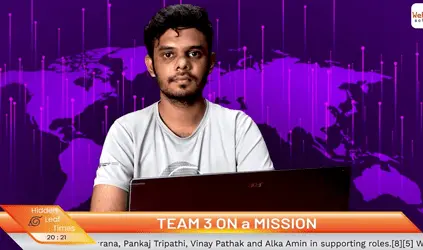
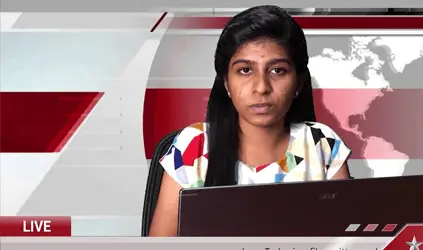
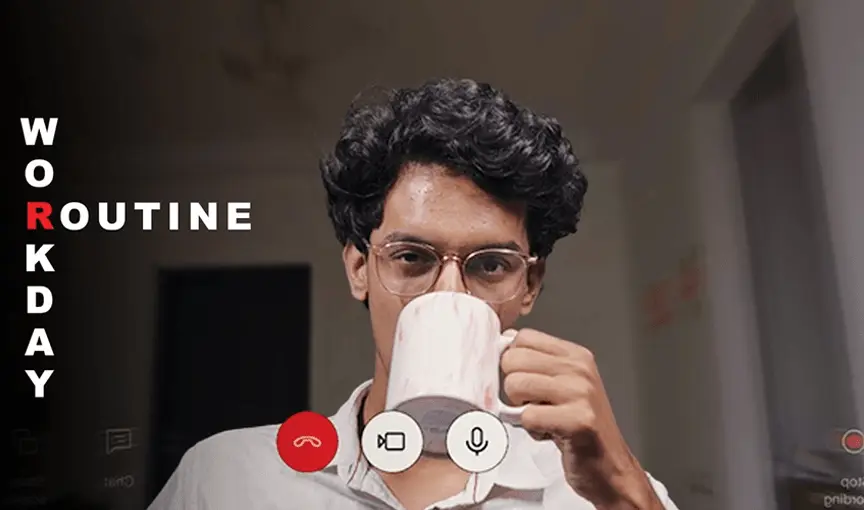
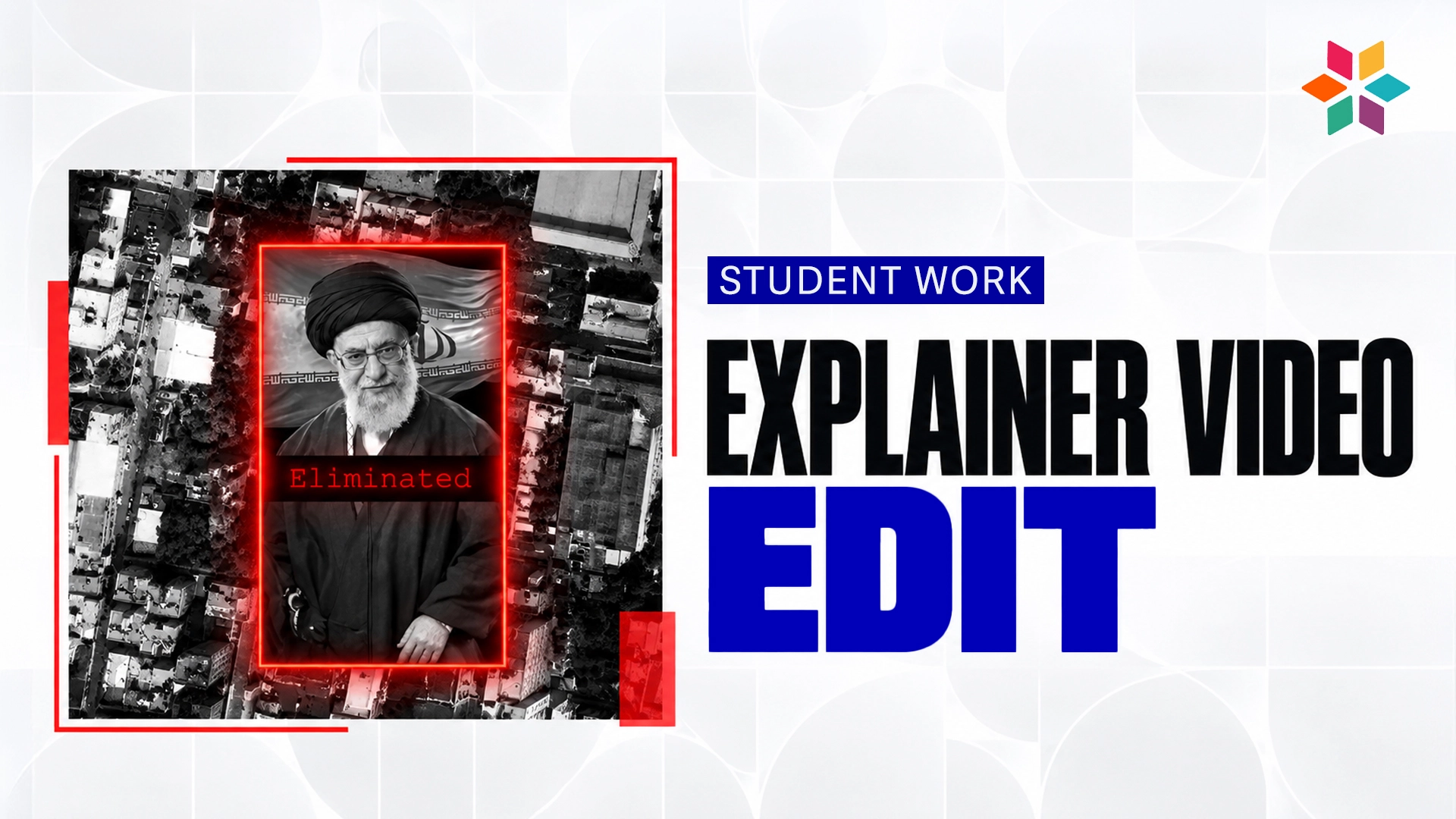
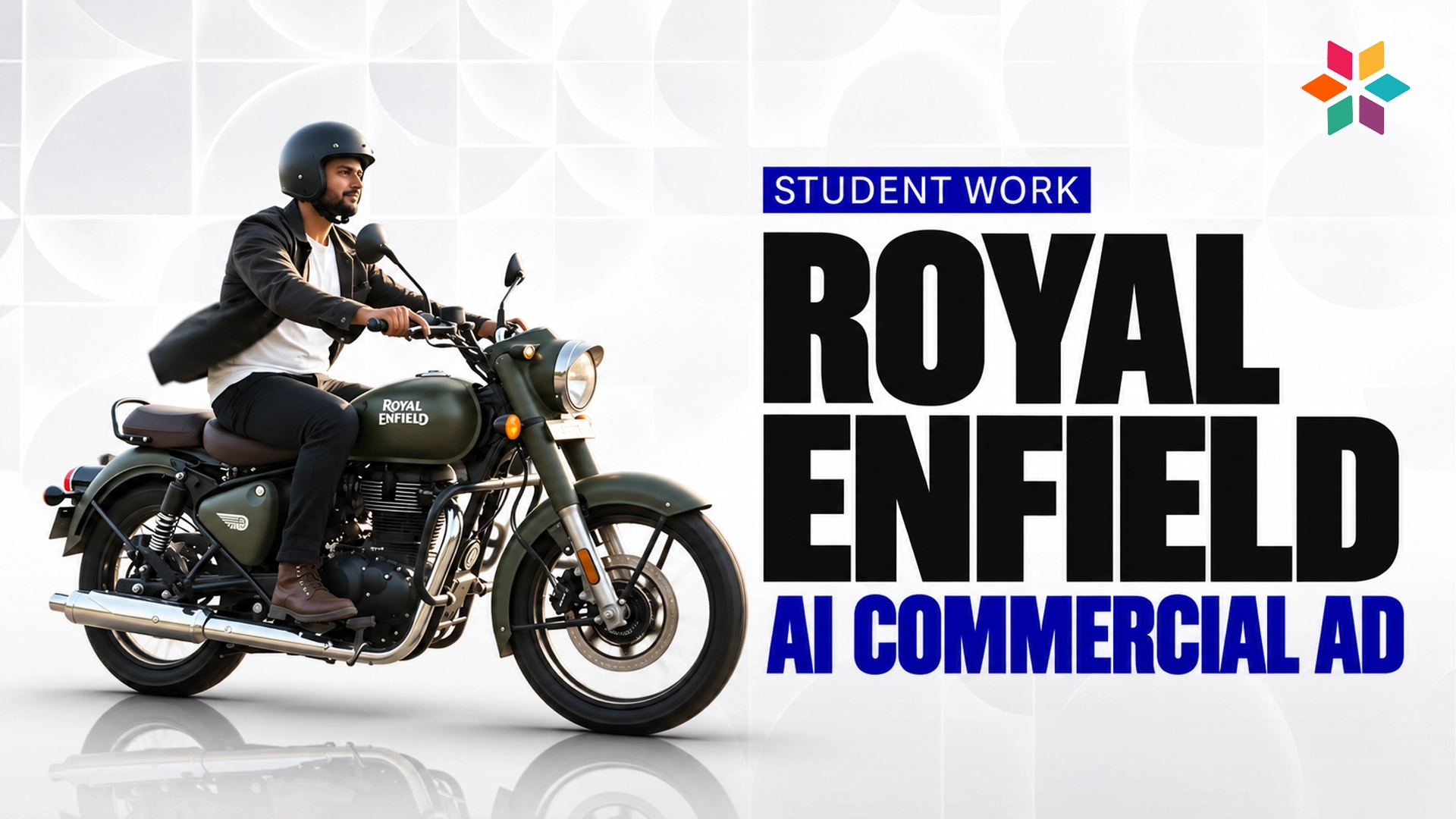
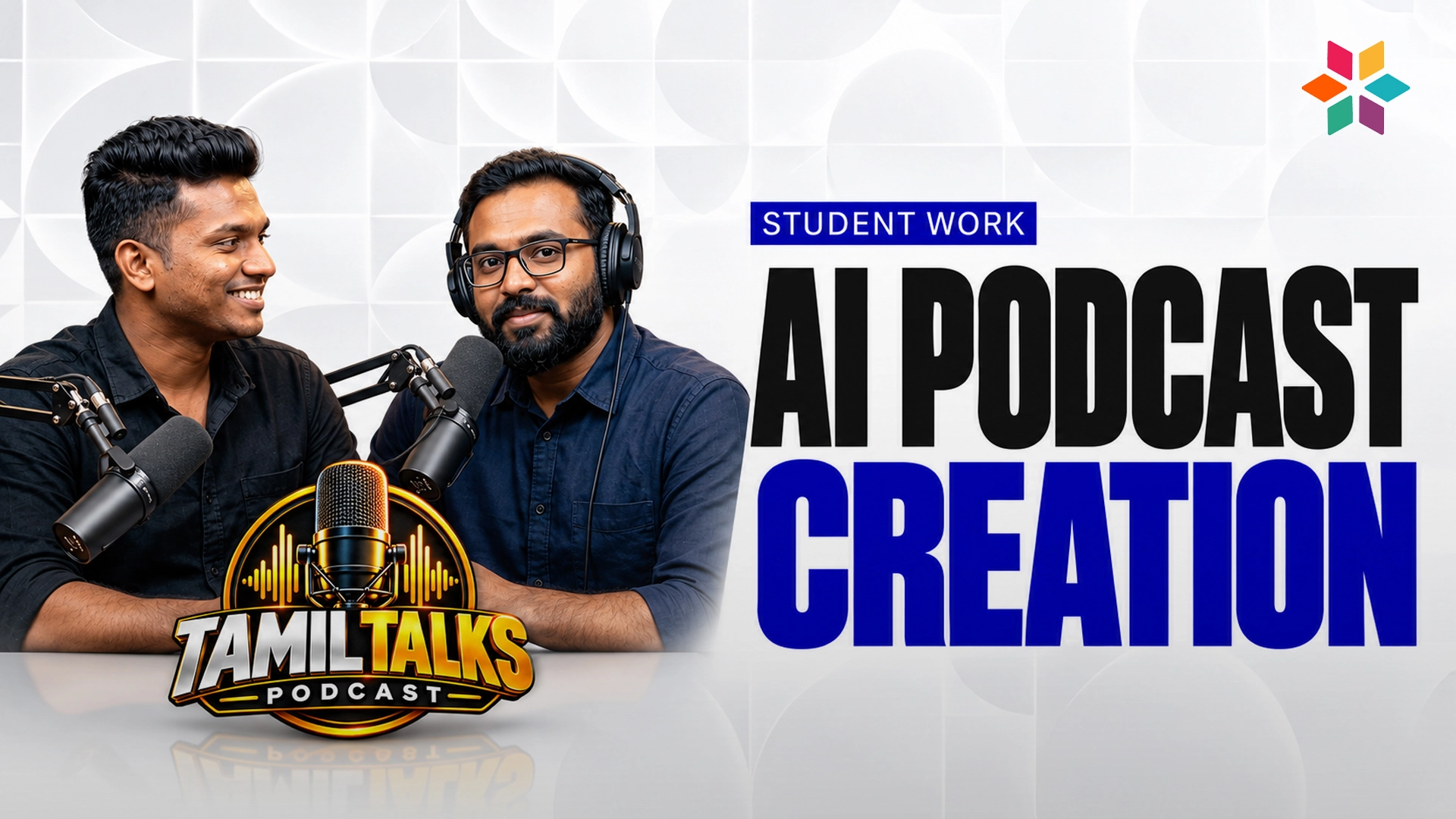
93% of these students secured jobs or started freelancing within 5 months
Where Our Students Work Now
From the best video editing course in chennai to top brands’s media team, YouTube Channels & Film Production worldwide

Career Outcomes After This Video Editing Course in Chennai
(For strong portfolios)
Video Editor
Studios • Agencies • Production houses
YouTube Editor
Creators • Influencers • Agencies
Social Media Editor
Brands • Startups • Agencies
Content Creator (Reels/Shorts)
Creators • Agencies • Startups
Freelance Editor / Motion Designer
Global clients • Agencies • Creators
From Student to Studio Professional
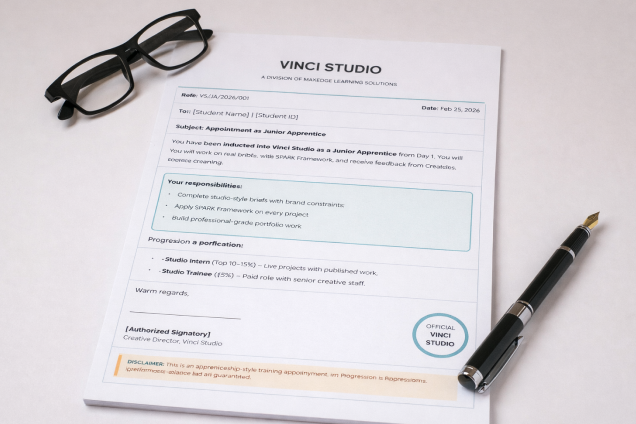
Every Video Editing student in Chennai is inducted into Vinci Studio as a Junior Apprentice on Day 1 — receiving a formal appointment letter that marks the shift from learner to practitioner.
From there, progression is merit-based:
Junior Apprentice
Studio-style briefs with real brand constraints. SPARK applied on every edit. Feedback from Creative Leads, not just tutors.
Studio Intern (Merit-Based, Top 10–15%)
Live projects for actual MaxEdge brands. Work published under the Vinci Studio name.
Studio Trainee (Invitation Only, <5%)
Paid production role alongside senior creative staff.
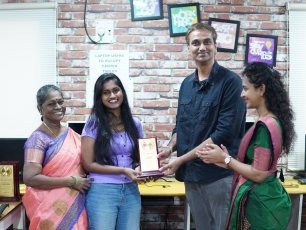
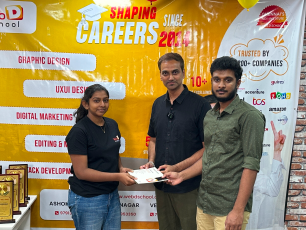
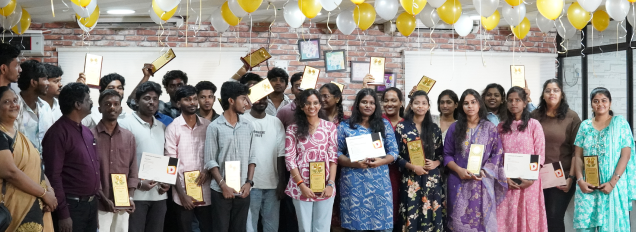
Awards Highlights
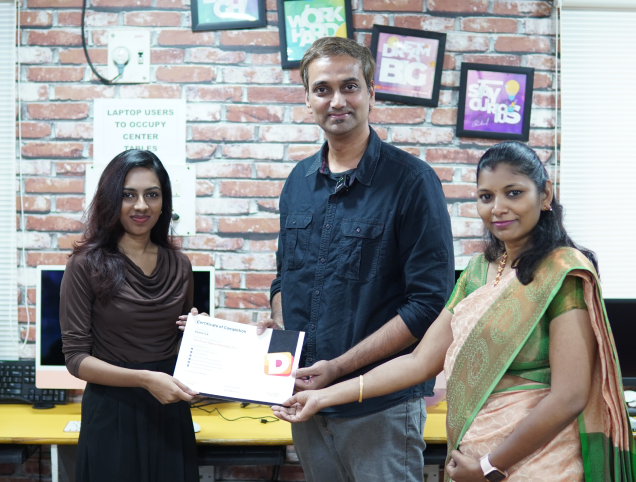
Every year, we honor the creativity, technical skill, and storytelling prowess of our students. From "Best Editor" to "Director of the Year," the ViSA Awards are where future industry leaders shine.
Why Our Video Editing Training Classes in Chennai Prepares You Better
Why ViSA Graduates Get Hired Faster
Most editors can show a reel. Very few can explain the thinking behind it. That gap is exactly what separates candidates who get hired from those who don't.
Without SPARK
"Why did you cut it this way?"
"It just felt right for the vibe..."
With SPARK
"Why did you cut it this way?"
"I spotted that the hook wasn't landing in 3 seconds — the real problem was pacing, not content. I challenged my first cut, adapted a tension-building technique from documentary editing, and reconstructed the opening. Watch time went up 40%."
The Vinci Studio layer adds the proof: Instead of saying "Here's my showreel from the course" — you say "These were Vinci Studio briefs with real brand constraints, reviewed and revised by Creative Leads. This one went through two revision cycles — here's what changed and why."
Employers don't just see output. They see process, discipline, and professional judgment.
SPARK teaches you how to think through an edit. Vinci Studio gives you real work to think on. Together, that's what gets you hired — and keeps you getting clients.
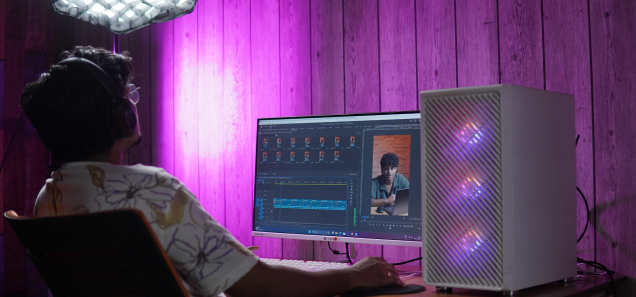
AI-Integrated Video Editing & Motion Graphics
Learn how to combine human creativity with powerful AI tools to edit faster, generate ideas, and enhance visuals while maintaining professional storytelling and creative control.
AI-Assisted Script & Story Planning
Use AI tools to plan video structure, hooks, and storytelling flow before editing. Learn how creators and agencies generate video ideas, shot lists, pacing strategies, and engaging scripts using AI.
Faster Editing with AI Tools
Speed up your workflow with AI features like automatic cutting, smart captions, silence removal, and auto-reframing.
Smart Visual Enhancement
Improve footage with AI stabilization, lighting fixes, object removal, and resolution upscaling for professional results.
Motion Graphics Ideation with AI
Generate motion graphics concepts, typography styles, and animation ideas using AI and convert them into professional animations in After Effects.
AI for Short-Form Content
Optimize videos for Instagram Reels, YouTube Shorts, and social media ads with auto-subtitles, smart cropping, and trend-based pacing.
Storytelling First, AI Second
Learn how to use AI as a creative assistant rather than a replacement. Strong storytelling and editing instincts remain the core focus.
AI + Professional Editing Skills
Combine traditional editing techniques with AI-powered tools to work faster while maintaining cinematic storytelling quality.
Comparing Every Video Editing Course in Chennai
See why Video Superstars Academy stands out as one of Chennai’s best graphic design courses with hands-on, career-focused training.
Feature
Video Superstars Academy
Traditional Institutes
10–15 Complete Projects.
Built Inside a Studio.
Every piece built through a Vinci Studio brief. Every piece reviewed by a Creative Lead. Nothing rushed in the final week.
HEAR FROM OUR GRADUATES
Student Success Stories from Mastery Video Editing Course in Chennai
"Amazing training experience at Institute"
I have completed video editing and after effects course @ Institute. My trainers were so friendly and made it comfortable to learn all the concepts easily.

Deepan Tpk
Film Editing
"Friendly and Experienced Trainers"
I have studied editing course in this Institute. This is the place for students who want to learn editing. The trainers are very friendly and experienced, and it unlimited lab hours.

Vignesh S
Film Editing
"Great Training and Friendly Support"
I have completed Premiere Pro. Getting trained here was a tremendous experience, and the trainers were too friendly. They create opportunities for students to showcase their talents. This institute boosted my confidence a lot.

Naveen
Film Editing
+ Everything You Need to Know
Frequently Asked Questions - Video Editing Course in Chennai
Here are the most common questions students ask before joining the Video Editing Course at ViSA.
• 16GB recommended
• I5 12th Gen / Ryzen 5 processor or higher
• 512 GB SSD laptop preferred for smoother editing
Premiere Pro, After Effects & DaVinci Resolve run well on these specs.
If you don't have a laptop, we provide editing PCs for students inside our video editing course in Chennai.