Online Video Editing Course · Live Mentored · Pan-India

Online Video Editing Course: Become a Visual Storyteller.

Learn editing, motion graphics, colour grading, and AI-powered workflows — all in one online course.
Built for the next generation of editors and creators.

Online video editing course — Video Superstars Academy

12

Years Experience

8000+

Students Trained

93%

Placement Record

200+

Company Tie-ups

Why this video editing course — Video Superstars Academy

WHY THIS COURSE

Editing is no longer just about cutting footage.

Today, brands need editors who can think, pace, move, and tell stories.

A basic editor cuts clips. A strong editor controls emotion. A modern editor knows how to make content that stops people mid-scroll — across YouTube, reels, brand films, and campaigns.

That is what this course is built for.

Placed Students

Our students have been placed in reputed companies in various Video Editing roles.

What You Will Learn

Learn the complete editing stack.

Video Editing Fundamentals

Storytelling, shot composition, pacing, colour correction, and professional workflow from day one.

Camera Handling Sessions

Hands-on shooting — framing, exposure, focus, lighting, and capturing footage that cuts well in the edit.

Adobe Premiere Pro & After Effects

Industry-standard editing and motion — cuts, audio, captions, animated titles, visual effects, and brand animations.

DaVinci Resolve & FCP

Professional colour grading and cinematic finishing in DaVinci Resolve, plus fast editing workflows in Final Cut Pro.

AI-Powered Workflows

Smart captions, auto-cut, AI upscaling, script planning, and short-form content optimisation.

Photoshop & Illustrator for Editors

Thumbnails, motion posters, and graphic assets that editors actually need.
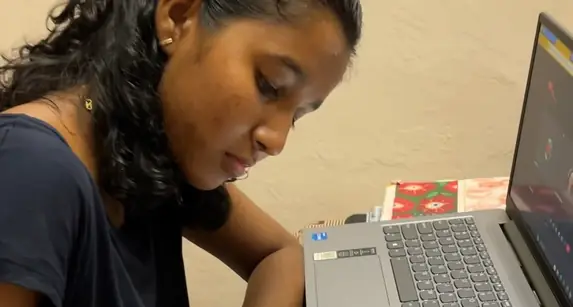
Why motion graphics matter for video editors — Video Superstars Academy
WHY MOTION MATTERS FOR EDITORS

Editing gets you in.
Motion gets you paid more.

Most editors only cut footage. Editors who can also do motion graphics handle entire post-production pipelines.

That means more value, more clients, and higher rates.

Here, motion graphics is not an add-on. It is part of your core training from day one.

Where Our Students Work Now

From classrooms to top brands, startups & creative studios worldwide

Zoho
Accenture
Amazon
TCS
VMG
Bosch
Delux
E9
GAVS
Agilysys
Zynoviq
Tridot
Smile Please
Your Creative Toolkit for the Real World

Professional Video Editing Tools YOU’LL MASTER

Work with the same professional tools used by studios worldwide from Illustrator and Photoshop to After Effects and Premiere Pro.

Core software

  • Adobe Photoshop software logo for photo editing and graphic design

    Adobe Photoshop

  • Adobe Illustrator software logo for vector illustrations and logo design

    Adobe Illustrator

  • Adobe After Effects application icon for motion graphics and visual effects

    Adobe After Effects

  • Adobe Premiere Pro application icon for professional video editing

    Adobe Premiere Pro

  • Apple Final Cut Pro application logo for video editing and post-production

    FCP

  • DaVinci Resolve software icon for video editing and professional color grading

    Davinci

AI & creator tools

  • Adobe Firefly AI image generation and creative design software logo

    Adobe Firefly

  • Canva online graphic design and visual content creation platform logo

    Canva

  • ChatGPT AI assistant logo for content writing and creative workflows

    ChatGPT

  • VEED online AI video editing and subtitle generation platform logo

    Veed

  • ElevenLabs AI voice generation and realistic text to speech software logo

    Elevenlabs

  • Adobe Express online graphic design and social media content creation logo

    Adobe Express

  • Google Vids AI powered video creation and editing application logo

    VIDS

  • Google Flow AI filmmaking and cinematic video generation tool logo

    Google Flow

  • Runway AI video generation and creative video editing platform logo

    Runway

Future-Ready Training

Video Editing + Motion
Graphics + AI Filmmaking —
one complete production workflow.

Turn ideas, footage and AI visuals into finished ads, reels, music videos and short films.

WHY AI MATTERS FOR EDITORS

Video editing isn't disappearing.
It's expanding.

The creator economy runs on video. One skilled person can now do what once needed a team — and AI can create visuals that once needed bigger budgets. But AI doesn't guarantee a finished result. Someone still has to make it a film.

The future skill isn't prompting.
It's creative control.

  1. 01Cut

  2. 02Story

  3. 03Motion

  4. 04Effects & Sound

  5. 05AI

Then: cut footage well.

Now: edit, animate, add effects, fix audio, adapt for every platform — and use AI.

Free counselling session · Online, Ashok Nagar & Anna Nagar batches

THE ViSA DIFFERENCE

We don't just teach software.
We build storytellers.

Every project starts with one question

"Why should this edit feel this way?"

You will learn the thinking behind every cut, transition, and pacing decision — not just the technical steps to make it happen.

That is the difference between an operator and an editor.

THE SPARK METHOD

Before you market anything, learn to think.

SPARK is ViSA's creative thinking method — applied to every campaign, every brief, every critique.

01

Spot the Unseen

See what others miss. Look for the details that tell the real story.

02

Probe the Obvious

Question the default. Why does it have to be this way?

03

Adapt Across Worlds

Borrow from everywhere. Connect dot A to dot B in new ways.

04

Reconstruct

Build it better. Break it down and put it back together stronger.

05

Keep Iterating

Never settle. The first draft is just the beginning.

CURRICULUM

5 Months. Think → Edit → Move → Launch.

From story planning and shot composition to cinematic editing, motion graphics, and color grading, this curriculum is designed to transform beginners into job-ready video editors and freelance professionals.

What You'll Learn

  • Understanding the art and psychology of video editing
  • Pre-production planning for video projects
  • Types of cameras and their applications
  • Camera shots, framing, and composition
  • Exploring camera angles and movements
  • Shot division and storytelling flow
  • Linear vs Non-Linear Editing workflows
  • Stages of the editing process
  • Understanding screenplay structure for editors
  • Creating your first assembly edit
  • Video packaging and storytelling techniques
  • Speed ramping and time remapping basics
  • Introduction to color correction
  • Proxy workflow for smooth editing
  • Understanding frame rates and creative uses

What You'll Learn

  • Introduction to Photoshop for video creators
  • Understanding the interface and essential tools
  • Creating thumbnails and visual assets
  • Basic image manipulation techniques
  • Working with filters and adjustments
  • Designing overlays, lower thirds, and graphics
  • Color correction techniques for images
  • Preparing graphics for video editing

What You'll Learn

  • Premiere Pro interface and workflow
  • Project setup and media organization
  • Using workspaces, bins, and timelines
  • Creating assembly edits and rough cuts
  • Advanced timeline editing techniques
  • Working with nested sequences
  • Dynamic linking with After Effects
  • Speed ramping and time remapping
  • Effect controls and keyframe animation
  • Audio synchronization and ducking
  • Professional color correction
  • Exporting videos for YouTube, Instagram, and clients

What You'll Learn

  • Understanding Vector vs. Raster Graphics
  • Illustrator Interface & Navigation
  • Creating Scalable Icons & Symbols
  • Corporate Branding & Mockups
  • Vector Object Editing & Flat Character Design
  • Designing Infographics & Charts
  • Exporting for Print, Web & Animation

What You'll Learn

  • Software interface and editing workflow
  • Importing and organizing media
  • Transcoding and media consolidation
  • Project and sequence creation
  • Creating rough cuts and final edits
  • Multi-camera editing techniques
  • Applying video and audio effects
  • Professional color correction workflow
  • Creating titles and motion effects
  • Exporting videos for multiple platforms

What You'll Learn

  • Introduction to motion graphics and visual effects
  • Understanding compositions and timelines
  • Motion tracking (position, scale, rotation)
  • Using Graph Editor for smooth animations
  • Masking and chroma key techniques
  • Object and wire removal
  • Applying effects and presets
  • Working with 3D camera and layers
  • Vector animation techniques
  • Using expressions for automation
  • Dynamic linking with Premiere Pro
  • Rendering and exporting final projects

What You'll Learn

  • Turning a brief or idea into a complete video production plan
  • Planning shots, visuals, and story for the final film
  • Using AI for visual generation and transformation
  • Working with reference-based AI workflows and visual development
  • Integrating AI-generated visuals with live-action footage
  • Combining editing, motion graphics, FX, AI, and sound into one production
  • Evaluating AI outputs for story, realism, and visual consistency
  • Knowing when to use AI and when to rely on traditional production
  • Finishing colour, sound, and delivery for different platforms
  • Creating a portfolio-ready project and final showreel

Duration: 5 Months · Sessions: 60+ Live, Mentor-Led

Projects: 15–20 Portfolio Projects

Support: Feedback, recordings, mentoring, and showreel guidance.

STUDENT PLACEMENTS & SUCCESS

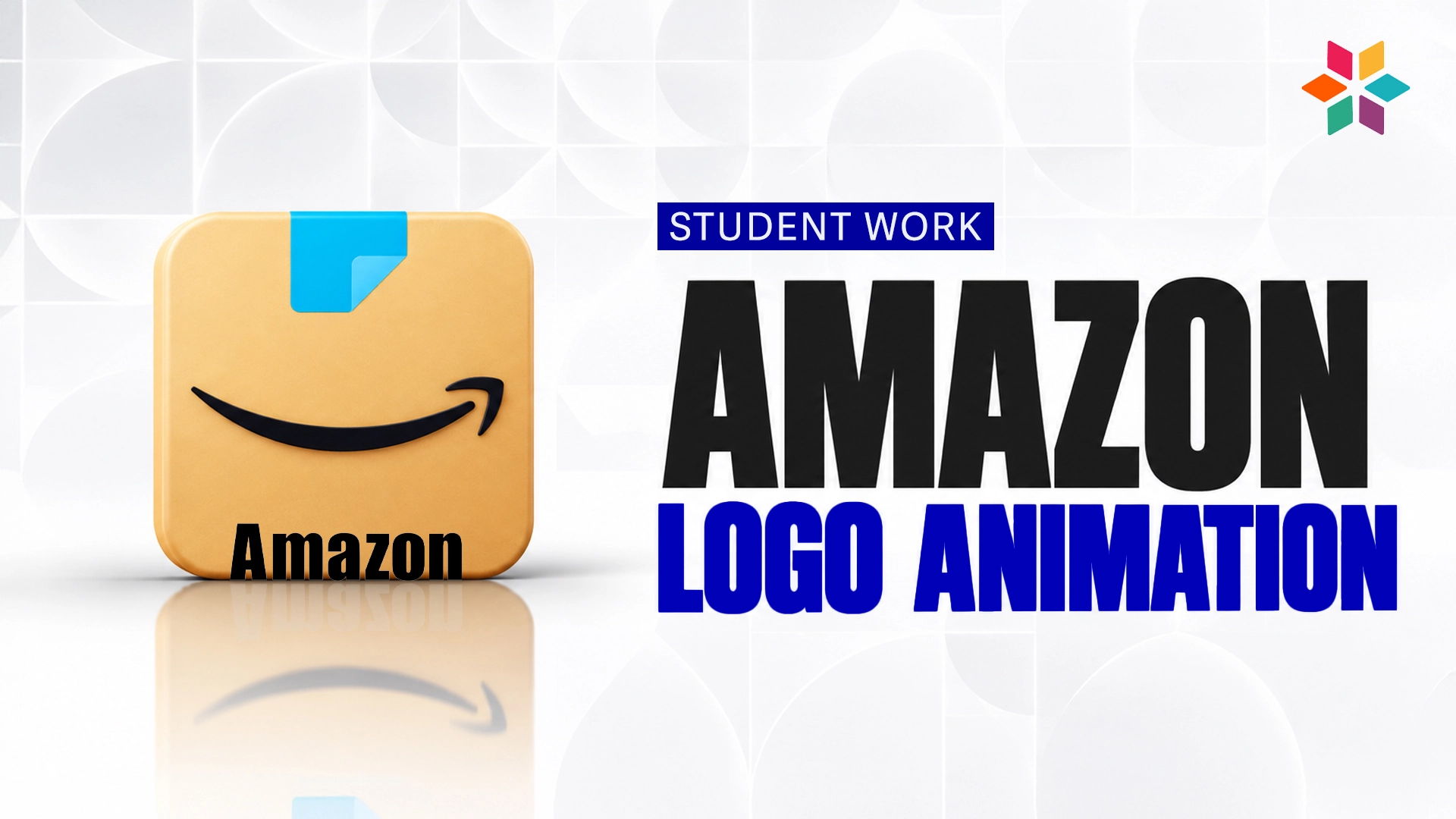
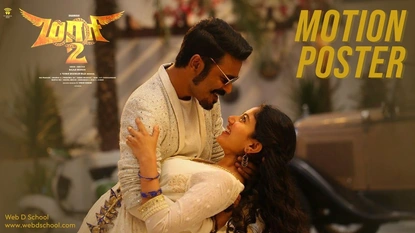
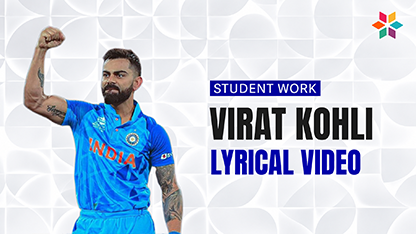
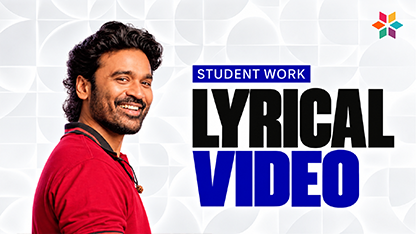
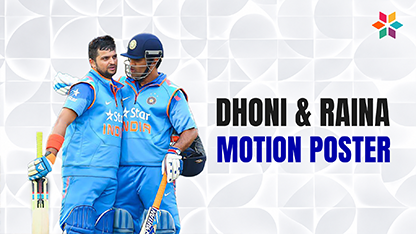
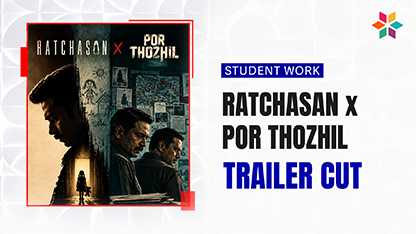
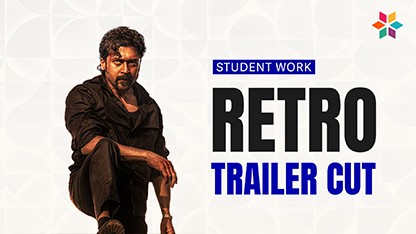
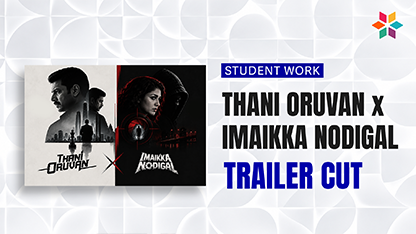
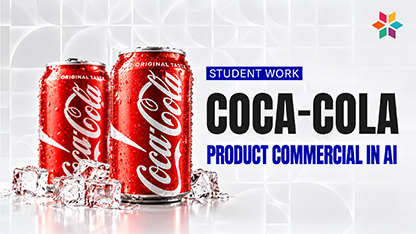
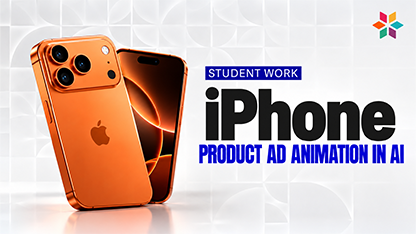
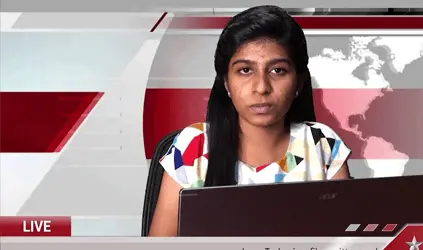
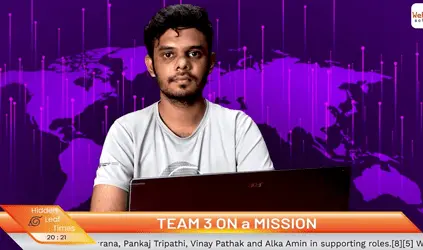
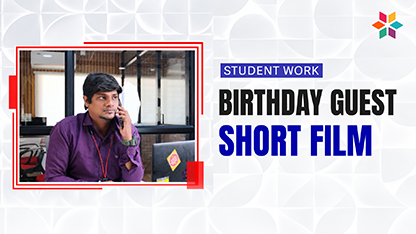
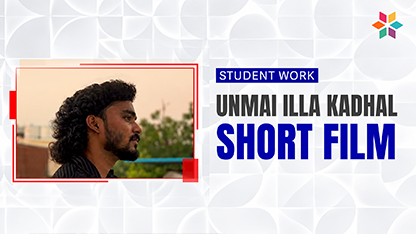
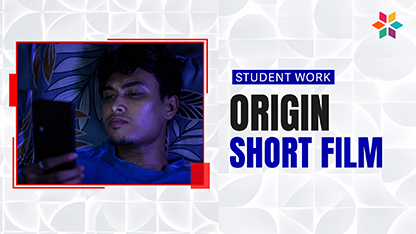
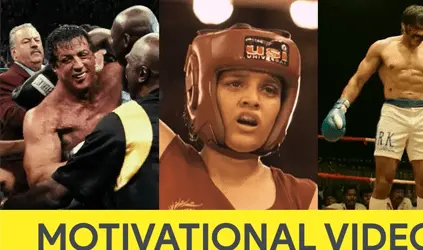
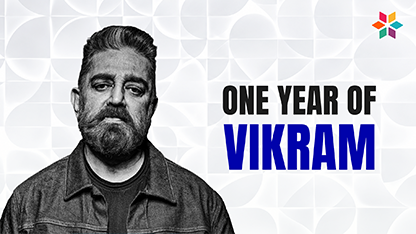
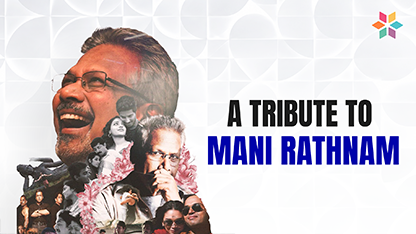
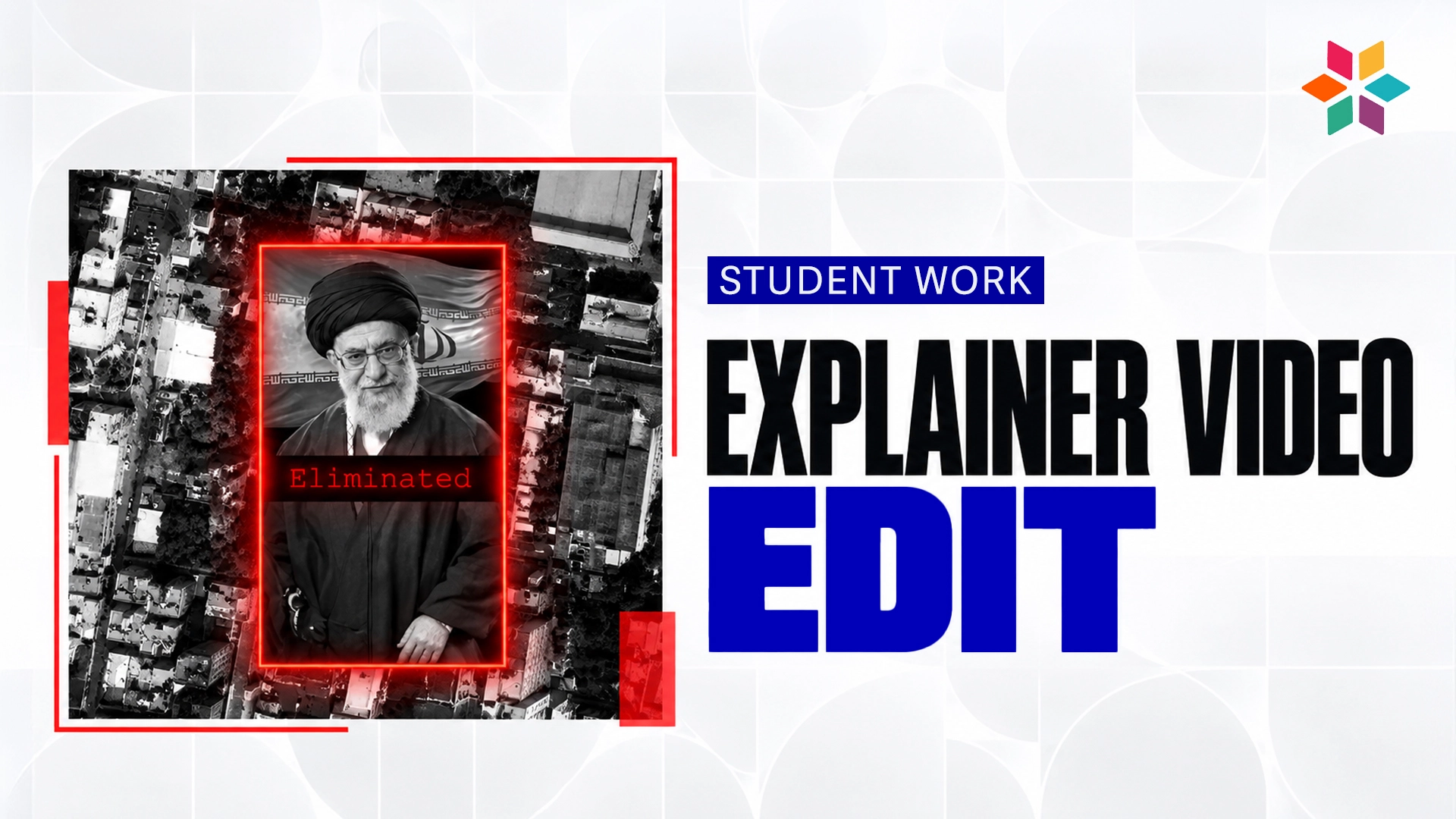
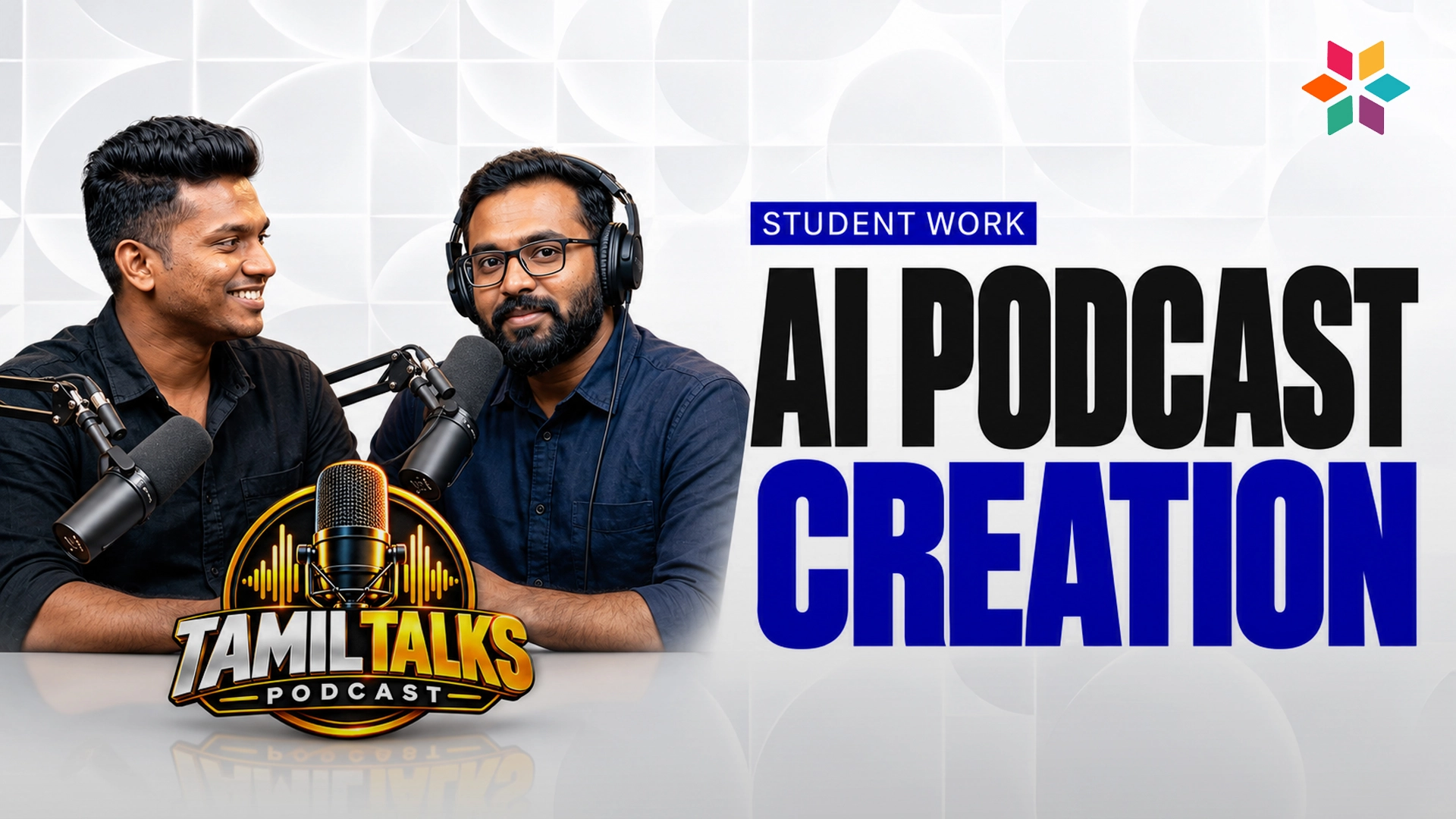
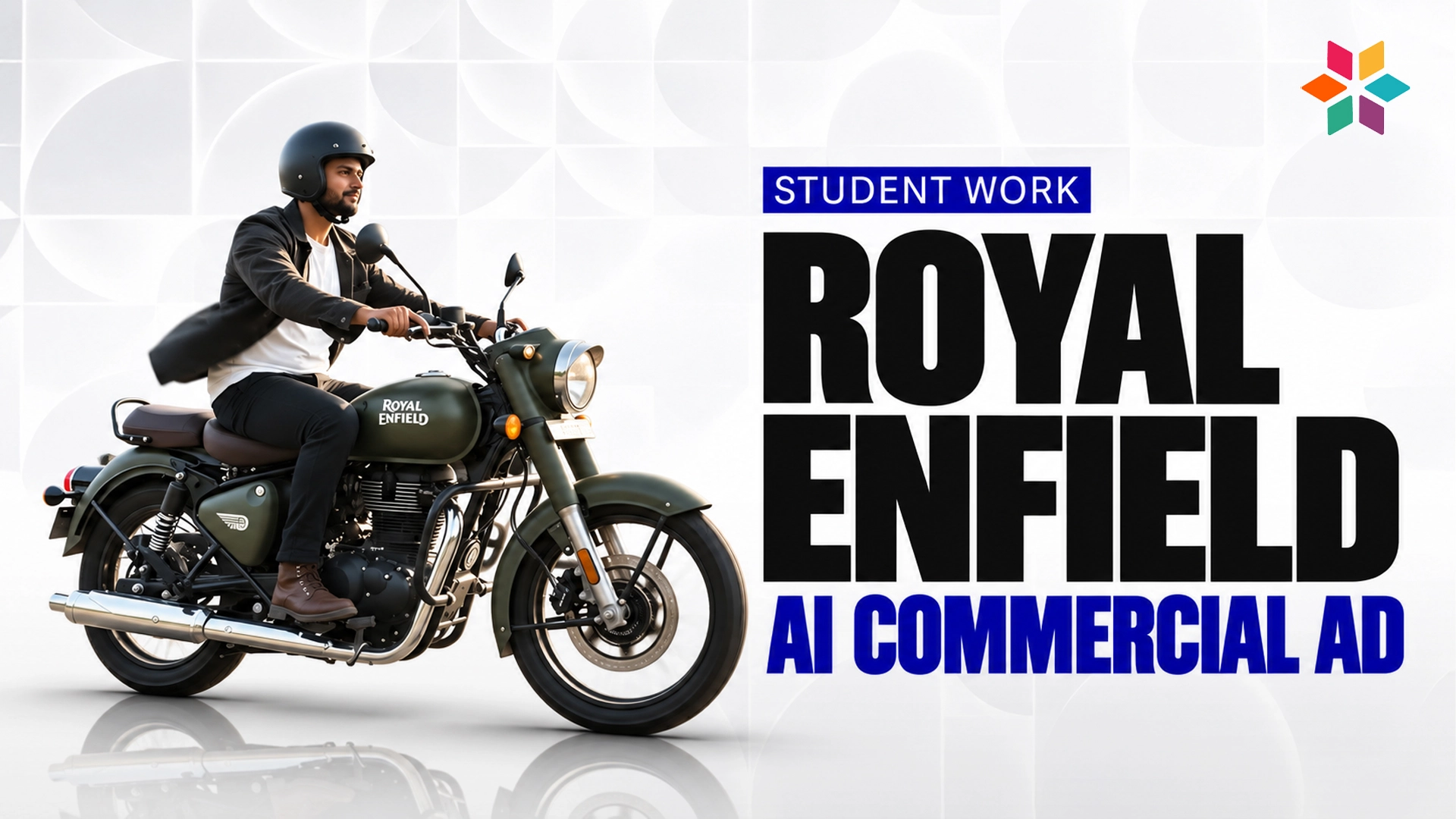
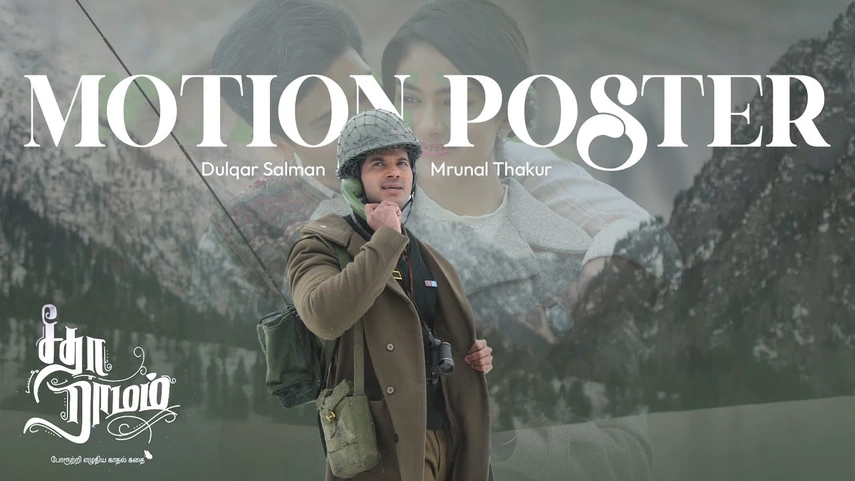
STUDENT WORK SPEAKS

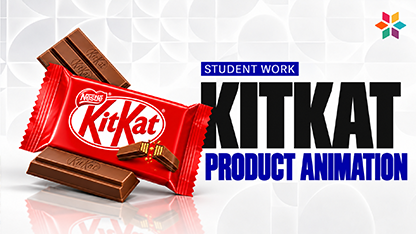
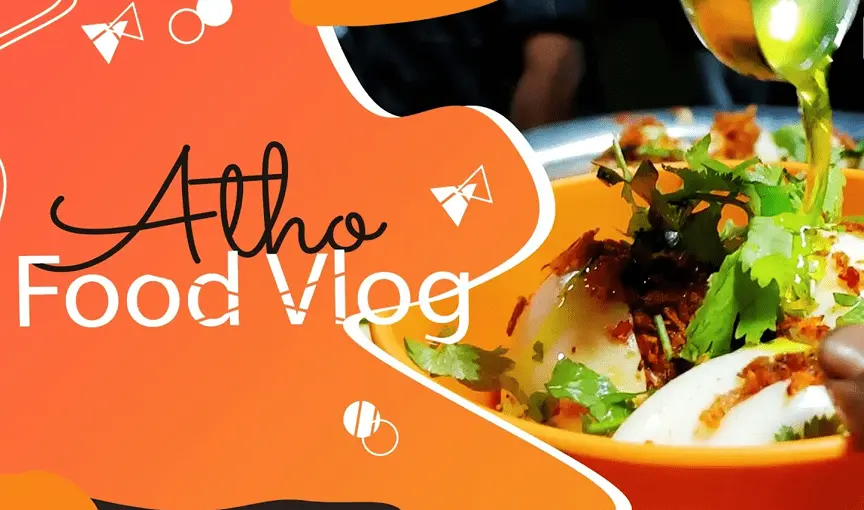
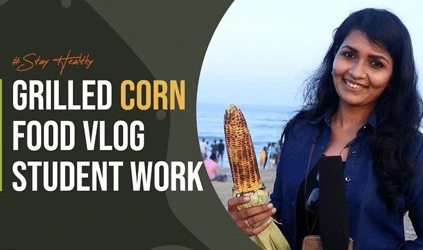
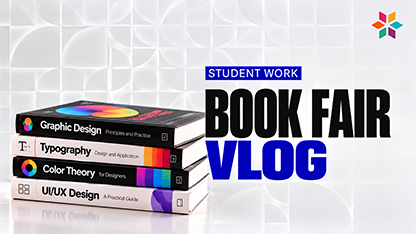
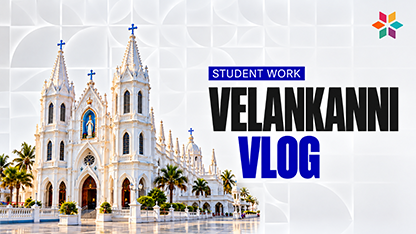
Portfolio Projects from Our Video Editing Course in Chennai
WHO THIS IS FOR

This course is for you if you want to build a real editing career.

Students

Starting your editing career and building professional creative skills.

Beginners

Perfect for those with no prior experience who want a structured path into editing.

Freelancers

Build stronger showreels and deliver higher-value editing services to clients.

Content Creators

Create professional-quality YouTube videos, reels, shorts, and branded content.

Photographers

Expand into video production and offer complete visual content solutions.

Creator Economy

Anyone building a career through content, media, freelancing, or digital storytelling.

No prior experience required. You need curiosity, consistency, and the willingness to think.

WHAT YOU CAN BECOME

Career Paths After This Video Editing Course

Your showreel will show what you can think — not just what software you know.

Video Editor

Professional editing for brands, agencies & creators

Motion Graphics Designer

Animated titles, graphics, ads & visual storytelling

YouTube Editor

Long-form content, retention editing & channel growth

Social Media Editor

Reels, Shorts, TikTok-style content & vertical video

Freelance Editor

Work with creators, brands & agencies worldwide

Brand Film Editor

Commercials, documentaries & premium branded content

WHY ViSA

Learn from a creative academy built for today's market.

You will not be left alone with recorded videos. You will learn with trainers, feedback, revision cycles, and real creative direction.
Because editing cannot be learnt only by watching. It has to be practiced, reviewed, and improved.

Video Editing Training

HEAR FROM OUR GRADUATES

Student Success Stories from Mastery Video Editing Course in Chennai
"Amazing training experience at Institute"

I have completed video editing and after effects course at Video Superstars Academy. My trainers were so friendly and made it comfortable to learn all the concepts easily.

Deepan Tpk

Deepan Tpk

Film Editing

"Friendly and Experienced Trainers"

I have studied editing course at Video Superstars Academy. This is the place for students who want to learn editing. The trainers are very friendly and experienced, and it unlimited lab hours.

Vignesh S

Vignesh S

Film Editing

"Great Training and Friendly Support"

I have completed Premiere Pro. Getting trained here was a tremendous experience, and the trainers were too friendly. They create opportunities for students to showcase their talents. Video Superstars Academy boosted my confidence a lot.

Naveen

Naveen

Film Editing

+ Everything You Need to Know

Frequently Asked Questions - Video Editing Course in Chennai
Here are the most common questions students ask before joining the Video Editing Course at Video Superstars Academy.

Yes! This video editing course in Chennai starts from absolute basics. No prior editing experience is required — we train you step by step until you can edit confidently like a professional.
No, you don’t need a camera to join. We provide all raw footage for practice — ads, reels, interviews, cinematic B-roll and client-style projects.

No — AI will replace basic, repetitive editing, not skilled editors. We teach you how to use AI tools to work faster, but your storytelling, pacing, and creativity make you irreplaceable.

Minimum Requirement:
• 16GB recommended
• I5 12th Gen / Ryzen 5 processor or higher
• 512 GB SSD laptop preferred for smoother editing

Premiere Pro, After Effects & DaVinci Resolve run well on these specs.
If you don't have a laptop, we provide editing PCs for students inside our video editing course in Chennai.

Yes — most students start freelancing from Month 2 or Month 3. We help you with portfolio creation, client communication, pricing, and getting your first real projects.

Both formats follow the exact same curriculum, tasks, and mentor guidance. The difference is simple: • Offline: Classroom learning in Chennai + lab support • Online: Live Zoom classes + complete mentor assistance Outcomes, projects, and certifications remain identical.
Yes. The program starts from absolute basics — camera theory, storytelling, and editing fundamentals — before moving into advanced tools. No prior editing or filmmaking experience required.

Course fees and batch schedules vary. Talk to our career advisors for current pricing, EMI options, and upcoming batch dates.

Yes. Motion graphics using Adobe After Effects is a full module — covering animation principles, kinetic typography, logo reveals, and social media motion content. Your portfolio will include both editing and motion graphics work.

AI handles repetitive cuts and captions. It cannot handle storytelling, pacing decisions, emotional arc, or creative judgment. We train you specifically for the thinking layer — which is exactly what AI cannot replace.
● LIMITED SEATS AVAILABLE. NEXT BATCH STARTS SOON.
Ready to become more than just a video editor?

Let's talk and see if this course is right for you.

No pressure. No spam. Just a clear conversation.